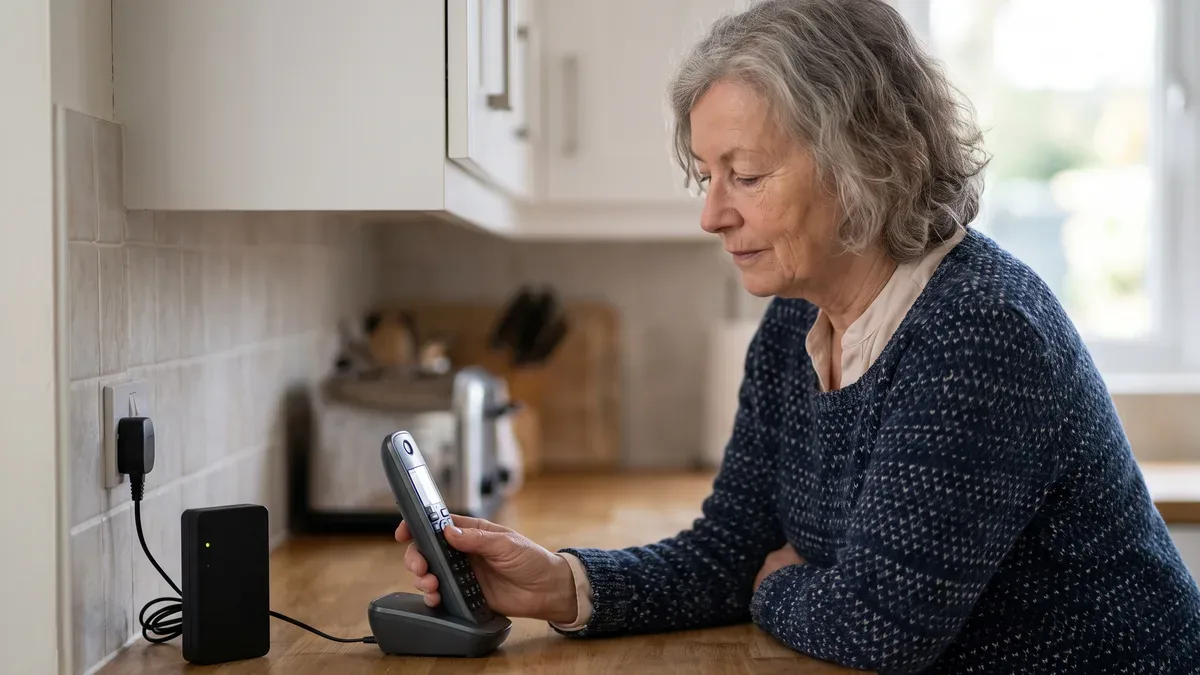
A landline call blocker is a device or service that stops unwanted calls from ringing your home phone. There are five main types, from free codes your phone company already offers to small boxes you plug in next to the phone. Each one cuts down robocalls and scam calls in a different way, and none of them catches everything. This guide compares them so you can pick the one that fits your line.
Unwanted calls aren't only annoying. Many of the scams aimed at older adults start with a ring, as our guide to senior scams explains. Take your time with this page. You don't need to change anything today.
A note on products: every type below carries our Researched label. The details come from public descriptions by phone companies and makers and from FTC and FCC guidance, so check them with the company before you buy. No hands-on trials, no prices, no rankings.
Why the home phone gets so many calls
A neighbor on my street in Columbus keeps her landline because it works in a storm and everyone in the family knows the number. She told me it rings more for strangers than for friends. That's common. Landline numbers stay the same for decades, they end up on old lists, and they often lead to an older adult who picks up.
Two things make blocking harder. First, the FCC explains that scammers can fake the caller ID, a trick called spoofing, so the number on your screen may look local or even official. Second, the National Do Not Call Registry, run by the FTC, only stops sales calls from companies that follow the law. Scammers ignore it. Register anyway at DoNotCall.gov, because it trims the legitimate sales calls and makes the rest easier to spot.
The five types of landline call blocker compared
1. Plug-in call blocker box
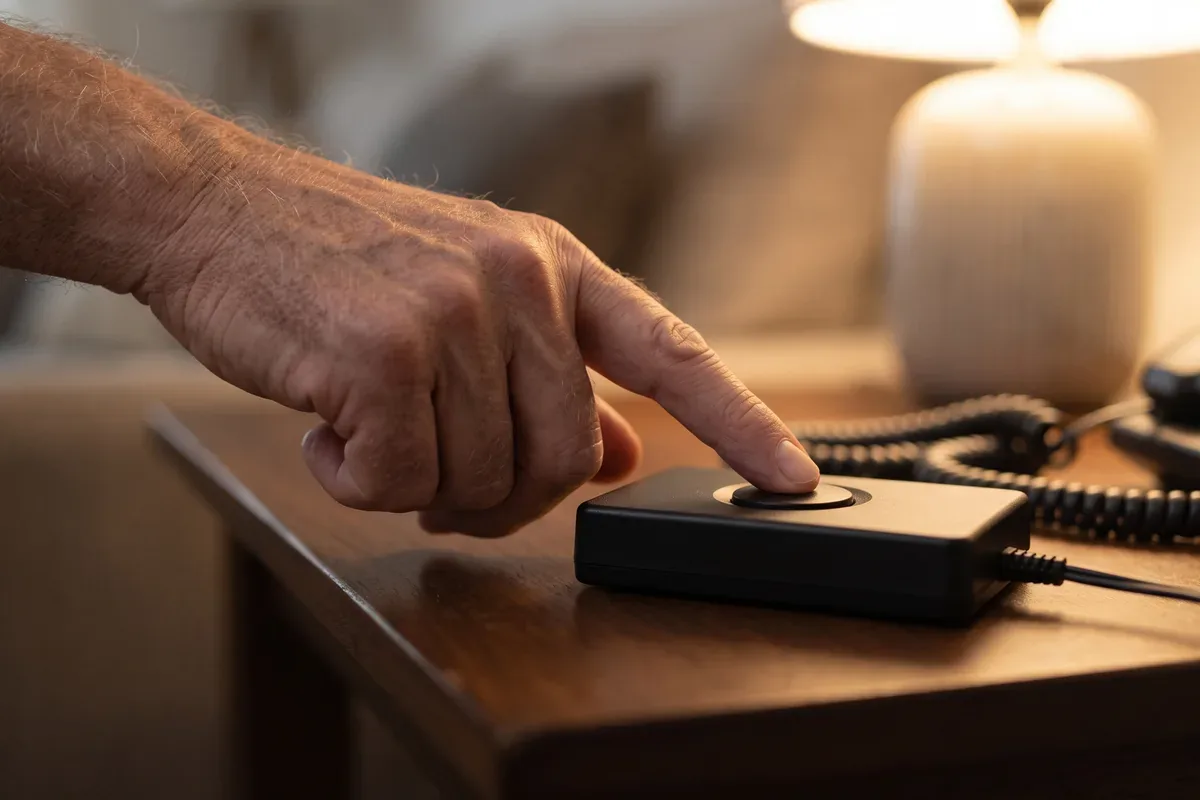
What it is: a small box that connects between your phone and the wall jack. It checks each incoming number against a list and stops blocked calls before your phone rings. Many have a single button you press to block the caller you're talking to.
Good for: people who like the phone they have and want something that works on its own.
Limits: most boxes need caller ID service on your line to see the number. Built-in lists may not keep up with new scam numbers. Some models offer an "allowed callers only" mode; you'll need to set that up carefully.
2. Home phone with blocking built in
What it is: a cordless or corded phone with call blocking in its menu. Several well-known home phone makers sell models like this. Some ask unknown callers to press a key before the phone rings, which robocalls usually can't do.
Good for: people who were thinking about a new phone anyway, or who want bigger buttons and a clearer screen at the same time.
Limits: you learn a new phone. Check the size of the buttons and the screen before you buy. If you're curious, you can see current home phones with call blocking.
3. Your phone company's filtering service
What it is: blocking or labeling done on the phone company's side, before the call reaches your house. The FCC has required phone companies to use caller ID checks, and many offer spam labeling or blocking tools.
Good for: everyone. Ask first, because you may already have it.
Limits: features, names and costs vary by company and by type of line. The person on the phone may need to look it up. Take notes.
4. Online blocking service for internet phone lines
What it is: if your home phone runs through your internet or cable company (often called VoIP), some online services can screen calls for you. Nomorobo is one known example. The service hangs up on known robocalls, usually after a single ring.
Good for: homes with a phone plugged into the internet box or cable modem.
Limits: it usually won't work on a traditional copper line. Setup happens on a computer or phone, so you may want help.
5. Star codes from your phone company
What it is: short codes you dial, such as *60 on many traditional lines, to turn on call block and add a number to a list.
Good for: blocking a handful of repeat callers at no cost, or a small cost, depending on the company.
Limits: codes differ from one company to the next, and lists are usually short. Scammers who change numbers get around them.
Allowed list or blocked list: the choice that matters most
Every landline call blocker works in one of two ways.
A blocked list stops numbers you or the maker have marked as bad. Everyone else rings through. It's gentle, and nothing important gets missed, but new scam numbers slip past.
An allowed list lets only the numbers you approve ring through. Strangers go to voicemail, hear a message, or are asked to press a key. It stops far more unwanted calls. The trade-off is that a new caller you do want, such as a repair person or a hospital, may not get through at first.
Here's how I'd set up an allowed list, one step at a time:
- Write down every number you need. Family, close friends, your doctor's office, the pharmacy, your bank, your church, neighbors.
- Add them to the blocker before you turn on the allowed-list mode. Look for a menu called "Allowed," "VIP" or "Whitelist."
- Turn on voicemail so blocked callers can leave a message.
- Check your voicemail and the blocked list once a week for the first month.
- Add any new number you want as soon as you notice it.
If you get stuck
The menus on these devices are small and not always clear. That is normal. Look for the quick start card in the box, or call the maker's help line using the number printed on the box. A family member can also do the setup with you on their next visit.
Questions to ask before you choose
Before you buy any landline call blocker, sit down with a notepad and ask:
- What kind of line do I have? A traditional copper line, or a phone plugged into the internet or cable box?
- Do I have caller ID? Most blockers need it. Your phone company can tell you.
- What does my phone company already offer? Ask for the names of the features and whether they cost extra.
- Do I want to keep my current phone? If yes, a plug-in box. If you want bigger buttons too, a new phone may make sense.
- Who calls me that I can't miss? That list decides whether an allowed-list mode will work for you.
For calls on your cell phone, the settings are different. Our guide to phones for seniors covers the call screening features on iPhone and Android.
Scam alert
Scam calls that get past a blocker often sound urgent: a grandchild in trouble, a bank "fraud department," a government agency. Agree on a family code word that no one posts online, and ask for it whenever a caller says they're family and needs money. Keep it written at home, near the phone, not in your wallet.
What a call blocker won't fix
A landline call blocker stops calls. It doesn't erase your number from the lists scammers buy. People-search websites publish home phone numbers next to names and addresses, and removing those listings is a separate job. Our guide to the data removal service options explains how that works.
It also won't help after a scammer already has your details. If you gave out your Social Security number or bank information on a call, see the free steps in our guide to identity theft protection, and report the call at ReportFraud.ftc.gov.
Frequently Asked Questions
Do call blockers for landlines work?
They help, but none stops every unwanted call. A blocker catches numbers on its list and numbers you add yourself. Scammers often fake a new caller ID for each call, so some slip through. Blockers that only let approved callers ring through catch far more, but you need to set up your list and decide what happens to calls from new numbers.
Does *61 block unwanted calls?
It depends on your phone company. Star codes are not the same everywhere. On many traditional landlines, *60 turns on a call block feature that lets you add numbers to a list, and *61 may do something else. Some companies charge for these features. Call your phone company and ask which codes work on your line.
How can I block calls on my landline?
Start with what is free. Ask your phone company about its blocking features and star codes, and register your number at DoNotCall.gov to cut sales calls from legitimate companies. If calls keep coming, look at a plug-in blocker box, a new home phone with blocking built in, or, for an internet-based line, an online filtering service.
How do I block nuisance calls on my landline?
For one caller who keeps ringing, use your phone company's call block code or the block button on a blocker box or blocking phone while the call is on the line. For a flood of robocalls, an allowed-list setting works better. Don't press numbers or say yes to recorded messages, and report repeat scam calls at ReportFraud.ftc.gov.
One thing to try this week
Call your phone company and ask one question: "What call blocking features do I have on my home line, and what do they cost?" Write the answer on a card and keep it by the phone. Then visit DoNotCall.gov and check that your number is registered. When you're ready for the bigger picture, our guide to senior scams shows the other tricks to watch for.
Sources
- FTC Consumer Advice: unwanted calls, call blocking and the National Do Not Call Registry
- FCC Consumer Guides: unwanted robocalls and caller ID spoofing
- FBI Internet Crime Complaint Center (IC3)