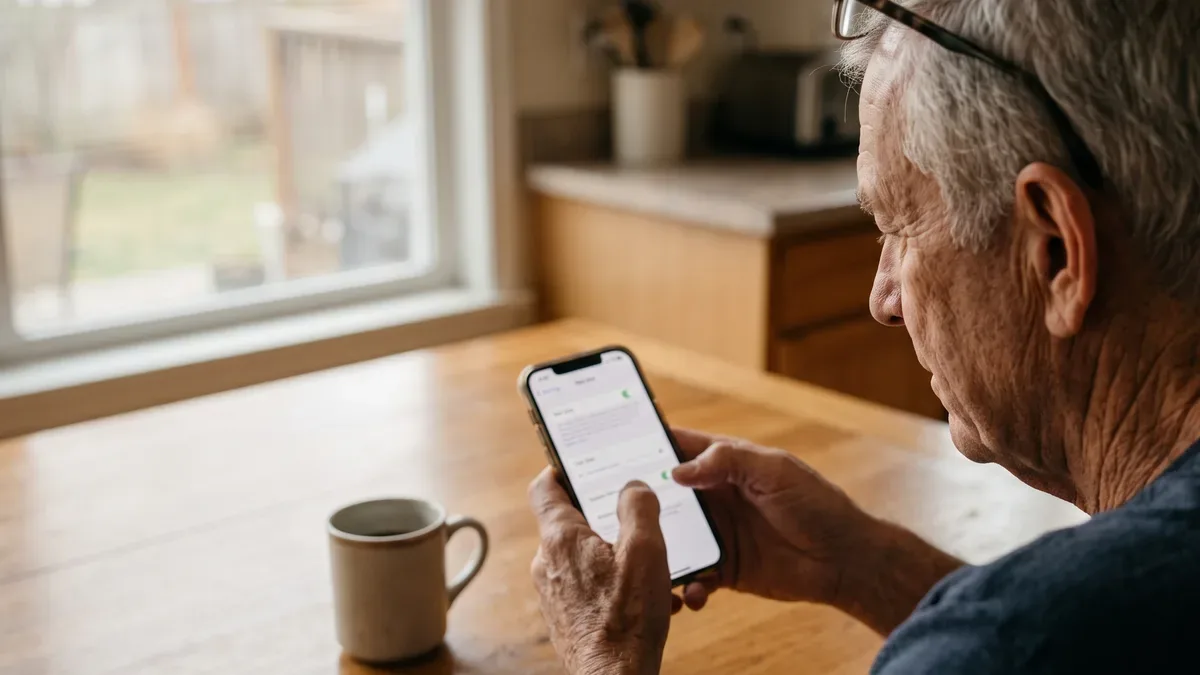
Senior scams are tricks aimed at adults 60 and over through phone calls, texts, email and social media, usually to get money or personal information. Almost every one of them follows the same short script, and once you know that script, you can spot a scam even when it shows up in a brand-new disguise. This guide walks through the signs, the tricks going around in 2026, the tools that help, and what to do if a scam gets through.
Why senior scams target adults 60 and over
Getting targeted isn't a sign that you did something wrong. Scammers go after older adults for practical reasons. Many people in their sixties and seventies have savings, a paid-off home or a steady retirement income. Many answer the phone when it rings, because that's good manners. And many grew up trusting that a person who sounds official probably is.
The FBI's Internet Crime Complaint Center, known as IC3, publishes a yearly Elder Fraud Report on complaints from people over 60. Those reports only count the people who came forward. Plenty never do, often out of embarrassment.
That embarrassment is exactly what the people behind senior scams count on. So here's my rule: if something feels off, talk about it. Tell a friend, a son or daughter, a neighbor. Saying it out loud is one of the best protections there is.
The four signs every scam shares
The costumes of senior scams change every year: a fake lottery one year, a fake toll bill the next. The FTC boils them all down to four signs:
- They pretend to be from an organization you know. The government, your bank, a utility, a tech company, or a relative.
- They say there's a problem or a prize. Your account is frozen, your grandson is in jail, or you've won something.
- They pressure you to act right now. You'll be arrested, lose your savings or miss out if you wait even an hour.
- They tell you to pay in a specific way. Gift cards, cryptocurrency, a wire transfer, a payment app, or cash picked up at your door.
That last sign is the clearest. The FTC says it plainly: anyone who demands payment by gift card is a scammer.
Scam alert
A caller who says "don't tell anyone, not even your bank" is almost always a scammer. Secrecy protects them, not you.
One more quiet sign: they keep you on the phone. A real bank or agency is fine with you hanging up and calling back. Take your time.
Facebook scams: copied profiles, Marketplace traps and giveaways
Facebook is where many of us keep up with grandkids and old classmates, which makes it a favorite place for senior scams.
Copied profiles. You get a friend request from someone you're already friends with. That's a copy of their profile. The copy then messages their friends asking for money or sharing a "can you believe this?" link. If a friend asks for money in Messenger, call them on the phone first.
Marketplace traps. A buyer offers to pay more than you asked, or wants to send a "code" to your phone. A seller asks for a deposit outside Facebook for an item you haven't seen. Money sent outside Facebook usually can't be pulled back. Meet in a public place and pay when you see the item.
Giveaways and quizzes. A page promises a gift card if you share a post and click a link. Others ask about your first car, the kind of answer used for security questions.
Signs your own account was taken over: friends get messages you didn't send, posts appear that you didn't write, or your email or password was changed. Use Facebook's recovery page in the Meta Help Center, then turn on two-step verification.
Grandparent scams and voice cloning
Of all senior scams, this one goes for the heart. The phone rings. A young voice says, "Grandpa, it's me. I'm in trouble." There's been an accident or an arrest, they need money for bail or a lawyer, and they beg you not to tell Mom and Dad. Sometimes a second person comes on the line as a "lawyer" or "officer," and a courier is sent to your house to pick up cash. The FTC and the FBI have both warned about this in-person pickup version.
The voice may sound exactly like your grandchild. The FTC has warned that scammers can copy a person's voice from a short audio clip, the kind posted in family videos online. So "it sounded like him" is no longer proof.
The answer costs nothing: a family code word. Pick a word or short phrase that only your family knows and that never appears online. If a caller says they're family and needs money, ask for the word. No word, no money. Then call your grandchild or their parents at the number you already have. Write the word on a card and keep it at home, next to the phone, until it sticks.
Medicare scam calls and Social Security impostors
Lifesenio covers Medicare only to help you recognize and report scams. We don't recommend any plan or insurance product.
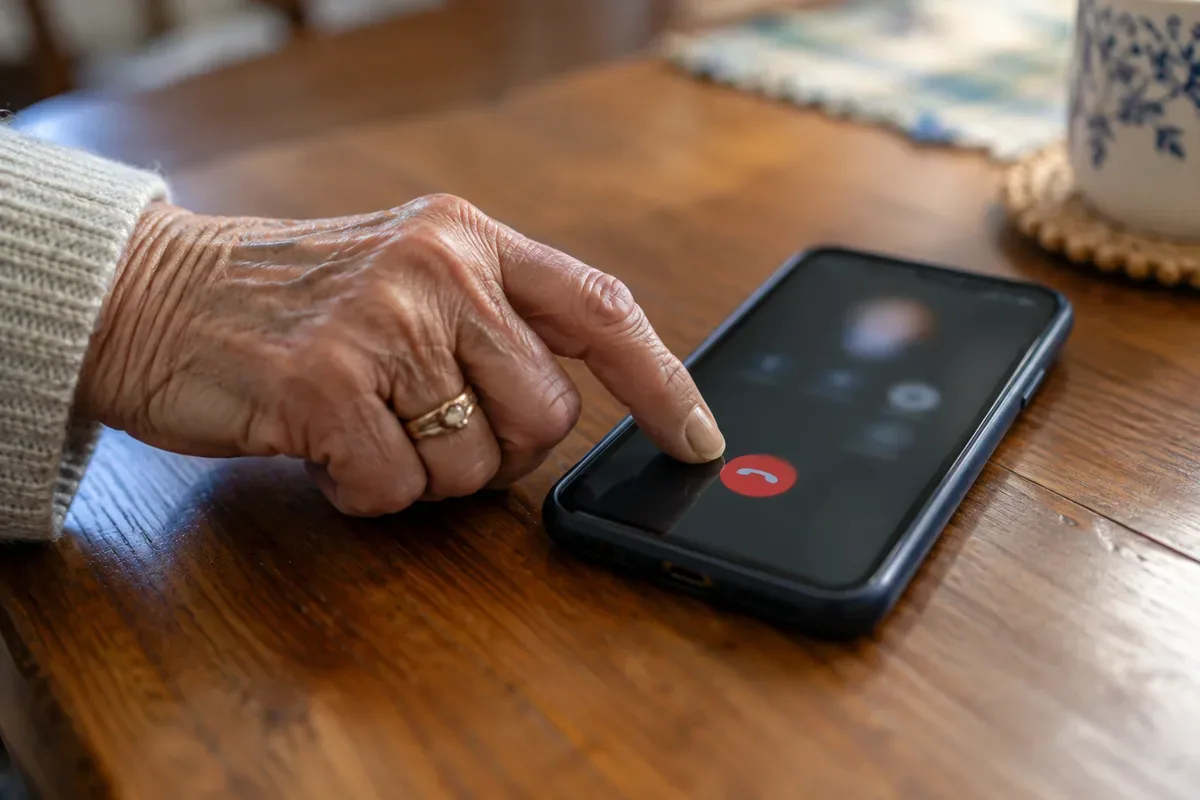
Turn 65 and your phone may ring a lot more. Some calls are sales pitches. Others are senior scams run by impostors after your Medicare number, your Social Security number or a payment. Here's how they often sound:
- "Your Social Security number has been suspended." Social Security numbers don't get suspended.
- "You'll be arrested unless you pay today." The SSA Office of the Inspector General says real employees won't threaten arrest or demand payment.
- "We're sending a new Medicare card, we only need your number." Medicare.gov says to guard your Medicare number like a credit card.
- "You qualify for a free back brace or genetic test." Free equipment or tests in exchange for your Medicare number is a known fraud pattern.
The caller ID may show a real government name. Scammers can fake that. Hang up, then call Social Security at 1-800-772-1213 or Medicare at 1-800-MEDICARE (1-800-633-4227), numbers you can confirm on ssa.gov and medicare.gov. Report Social Security impostors at oig.ssa.gov. To cut sales calls, register at DoNotCall.gov, and don't press any button a recorded message asks you to press.
Other common senior scams to know in 2026
Tech support pop-ups. A warning fills the screen, sometimes with an alarm, and gives a number to call. A close relative of mine got one of these a few years ago. She called me before she called the number, and that one call stopped it. Real tech companies don't put phone numbers in security warnings; our antivirus guide below shows how to close one safely.
Fake package and toll texts. "Your package could not be delivered" or "You have an unpaid toll." The FBI has warned about toll text scams. Open the shipping company's app or your toll agency's website yourself instead of tapping the link.
The "safe account" impostor. A caller from your bank's "fraud department," or even the FTC, says your money is at risk and must be moved to a safe account. That account belongs to the scammer. No real agency or bank will tell you to move money to protect it.
Romance and friendship scams. Someone kind finds you online, says they work overseas, and builds a bond over weeks. If you've never met in person and they ask for money, it's a scam.
Investment and cryptocurrency pitches. A wrong-number text turns into a friendly chat, then an invitation to an investment app that shows big gains. The money can't come back out.
Best antivirus software: what it can and can't do
After a scary pop-up, many people want to buy antivirus. Here's the calm version. Windows computers come with Microsoft Defender, Macs have Apple's built-in malware protection, and Android phones have Google Play Protect. Kept updated, they cover the basics for most people. One exception: Windows 10 stopped getting free security updates in October 2025, so a computer still on it needs a closer look. CISA's four everyday habits are strong passwords, multifactor authentication, spotting phishing and updating software. Buying antivirus isn't on that list.
A paid antivirus or security suite adds extras such as web filtering, a VPN for public Wi-Fi or identity monitoring. That can suit a household with several devices. But no software can stop senior scams that work by talking you into paying.
Before you pay for anything, check which devices are covered, the price after the first year and how to cancel. Our guide to the best antivirus software compares free, basic, full-suite, browser and phone options in plain English.
Landline call blocker: fewer scam calls on the home phone
Many older adults keep a landline, and it's where a lot of senior scams begin. Scammers can fake the caller ID, and the Do Not Call Registry only stops companies that follow the law. A call blocker stops unwanted calls before the phone rings.
There are five main types: a plug-in box between the phone and the wall jack, a home phone with blocking built in, your phone company's own filtering service, online services for internet-based phone lines, and star codes your phone company offers. The biggest choice is the mode. A blocked list stops known bad numbers. An allowed list lets only approved numbers ring, which catches far more but means adding family, the pharmacy and your doctor's office first.
Our guide to the landline call blocker options compares the types and shows how to set up an allowed list step by step. For cell phones, our guide to phones for seniors covers the call screening settings.
Best password manager for seniors: close the door behind you
Many senior scams don't need you to send money. They need one password. If you use the same password on several sites, one leak can open all of them.
A password manager creates a strong, different password for each account and remembers them. You only remember one main password. CISA recommends a password manager along with multifactor authentication, the extra code sent to your phone when you sign in.
You may already have one. iPhones come with Apple's Passwords app, and Android phones and Chrome come with Google Password Manager. Stand-alone apps work across brands, and paid plans often add emergency access for a trusted family member. Whatever you choose, the most important step is the first: stop reusing passwords on your email and bank accounts.
Our guide to the best password manager for seniors compares built-in, free, paid and family options, with a calm setup plan.
Best identity theft protection for seniors: start free
If a scammer gets your Social Security number, the next risk is accounts opened in your name. The strongest protection is free. A credit freeze at Equifax, Experian and TransUnion is free under federal law and blocks most new-account fraud. Bank alerts and free credit reports at AnnualCreditReport.com add to it.
Paid identity protection services add monitoring and recovery help: alerts when a new account appears, scans for your details on criminal websites, and a case manager if something goes wrong. Many plans also include an insurance component; we describe it but don't recommend insurance. What these services don't do matters as much. They don't prevent theft, they don't stop scam calls, and they can't undo a payment you made to a scammer.
Our guide to the best identity theft protection for seniors explains what these services do and do not do, with the questions to ask before paying.
Data removal service: less material for impostors
Ever wonder how a scammer knew your street or your grandson's name? People-search websites publish addresses, phone numbers and relatives, and that gives the people behind senior scams a script.
You can ask each site to remove your listing through its opt-out form. It's free but slow, one site at a time, and listings can come back. A data removal service does the same job on a subscription: it sends requests to the sites on its list and checks again over time.
No service can erase public records or take back what scammers already have, and removal works slowly, so pair it with call blocking. Google's "Results about you" tool can also remove search results that show your phone or address. Our guide to the data removal service options explains how they work, what they can't do and how to start on your own.
What to do if you get scammed
Senior scams catch careful people every day. If one reaches you, the first hours matter most. Here's the order that helps:
- Stop all contact. Don't send "one last payment" for a refund.
- Call the company you paid with, using the number on your card or statement. Card charges can often be disputed. For gift cards, call the card company and keep the card and receipt. For a wire service or crypto, call right away. For cash sent by mail, the FTC advises contacting the U.S. Postal Inspection Service.
- Change passwords, starting with email, and turn on two-step verification.
- If someone controlled your computer, disconnect it from the internet and have it checked.
- If you shared your Social Security number, freeze your credit and use IdentityTheft.gov for a recovery plan.
- Report it at ReportFraud.ftc.gov, and at ic3.gov for online scams. Report Social Security impostors to oig.ssa.gov.
Can you get your money back? Sometimes. Card payments offer the best chance; gift cards, wires, crypto and cash are the hardest. Reporting still helps investigators connect senior scams across the country. Then watch for recovery scammers who offer to get your money back for a fee. The FTC warns that government agencies don't charge to recover lost money.
How to help a parent who has been scammed
Many of us over 60 also look out for a parent in their eighties or nineties. If a scam reaches your mom or dad, how you react in the first conversation matters.
Lead with calm. "How could you fall for that?" makes people hide the next one. Try "These people are professionals. Let's fix it together."
Do the urgent steps together. Sit with them while they call the bank. Make the reports with them, not for them, so they stay in charge of their own affairs.
Expect a second attempt. Agree on a simple rule: any call about money gets a pause and a call to you first.
Set up quiet protections. Ask the bank about alerts for large withdrawals and about adding a trusted contact. Set up a family code word. A weekly check-in call does a lot, and so do larger text settings on their phone, covered in our guide to making text bigger on iPhone and Android.
Frequently Asked Questions
What is one of the largest scams involving seniors?
Recent FBI IC3 elder fraud reports list tech support scams among the most reported by people over 60, and investment scams, often tied to cryptocurrency, among the most costly. Both start with a stranger who reaches out first and builds trust. If someone you've never met is guiding your computer or your money, stop and talk to a person you trust.
What are 5 of the most current scams?
Five that keep showing up: fake tech support pop-ups, impostors claiming to be from Social Security, Medicare or your bank, grandparent scams using a cloned voice, fake package or unpaid toll texts, and Facebook scams such as copied profiles and Marketplace traps. The disguises change, but each one pushes you to act fast and pay in an unusual way.
What should I do when an older parent has been scammed?
Stay calm and don't lecture. Help your parent call their bank or card company right away, change passwords on any account the scammer touched, and report the scam at ReportFraud.ftc.gov and, for online scams, at ic3.gov. Then watch for follow-up calls, because people who were scammed once are often targeted again, sometimes by fake recovery services.
What are the latest Social Security scams?
The SSA Office of the Inspector General warns about calls, texts, emails and letters that say your number is suspended, threaten arrest or demand payment, sometimes with fake badges or documents. Real Social Security employees won't threaten you or ask for gift cards, cash, wire transfers or cryptocurrency. When in doubt, hang up and call Social Security at 1-800-772-1213.
One thing to try this week
Write these words on a sticky note and put it next to your phone: "When in doubt, hang up and call back." Then call one family member and agree on a code word. It takes five minutes, and it shuts the door on one of the cruelest scams going.
Sources
- FBI Internet Crime Complaint Center (IC3)
- FBI, Scams and Safety
- FTC Consumer Advice
- FTC ReportFraud
- IdentityTheft.gov
- Social Security Administration, Office of the Inspector General
- Medicare.gov
- FCC Consumer Guides
- CISA, Secure Our World
- Meta Help Center