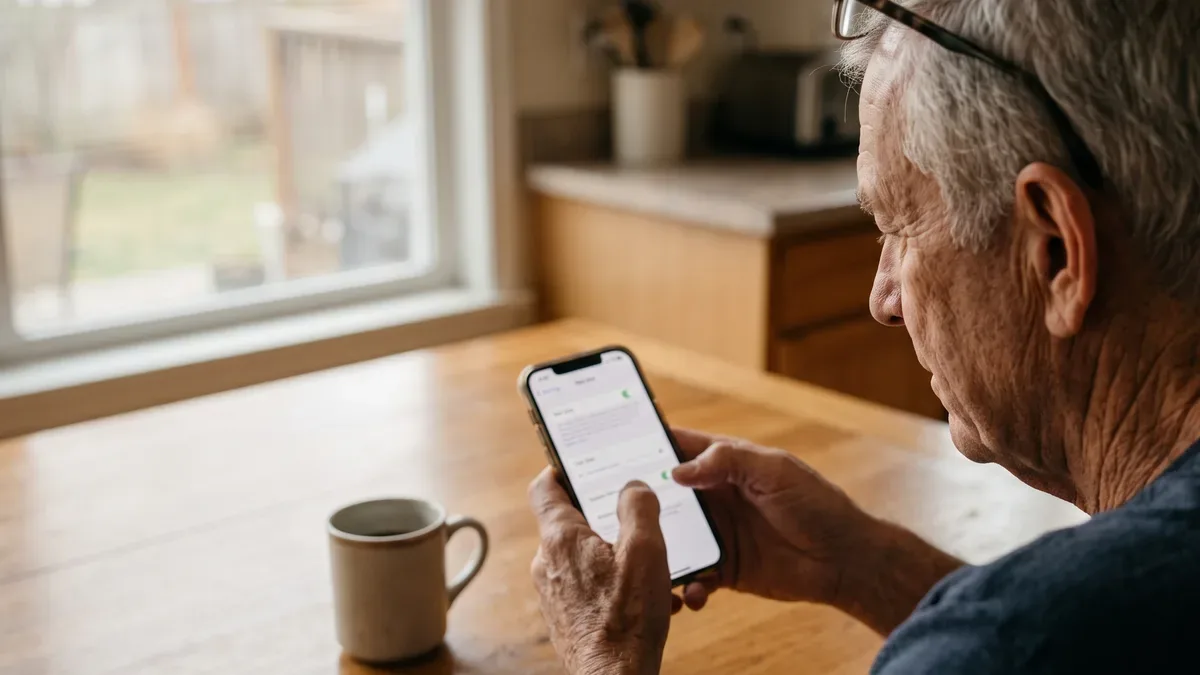
The best cell phone plans for seniors are not a special product. They are ordinary plans that match how you use your phone, work well inside your home and show an honest total on the bill. This guide compares the main kinds of plans in plain words, so you can choose without paying for things you never touch. Take your time.
This article is part of our complete guide to phones for seniors, which covers choosing and setting up the phone itself.
Label: Researched. What you read here comes from FCC and FTC consumer guidance and from public descriptions carriers give of their plans. Terms change, so confirm them with the carrier before you sign up. We did not test any carrier, and we list no prices or rankings.
What makes senior cell phone plans different
Most senior cell phone plans are regular plans with an age rule added: a lower rate for account holders 55 or older, in exchange for limits on lines, a required autopay or availability only in some states.
Other plans carry no senior label, yet suit many older adults: prepaid plans with little data, pay-as-you-go service, or a spot on a family plan. The comparison below covers all of them.
How the best cell phone plans for seniors compare
Here is how the main kinds of plans line up.
| Kind of plan | Often suits | Watch out for |
|---|---|---|
| 55+ plan from a major carrier | People who want a big network and a store nearby | Age, line and autopay rules; not offered everywhere |
| Prepaid or smaller carrier | Light data users on Wi-Fi at home | Customer service and speeds at busy times can differ |
| Carrier aimed at older adults | People who want phone support in plain words | Compare the total cost with other plans |
| Pay as you go | People who rarely call or text | Unused minutes or data may expire |
| Two-line or family plan | Couples, or relatives sharing an account | Everyone on the account shares the rules |
55+ plans from major carriers
Some major carriers, including T-Mobile and Verizon, have offered plans for customers 55 and over. They suit people who want a large network, a store they can walk into and the same carrier as their family.
Limits: ask whether the account holder must be 55 or older, how many lines are allowed, whether autopay or paperless billing is needed for the advertised rate, and whether the plan is offered in your state. Rules change, so check the carrier's own page on the day you sign up.
Prepaid plans and smaller carriers on big networks
Prepaid means you pay at the start of each month, usually with no contract and no credit check. Some brands sell service on a major carrier's network under their own name: Visible is owned by Verizon, and Mint Mobile by T-Mobile. They suit people who use Wi-Fi at home and need little mobile data, and they are often what people mean by cheap cell phone plans for seniors.
Limits: coverage generally follows the network the brand uses, but customer service, speeds at busy times and features can differ. Ask which network the brand runs on, then check that network on the coverage map.
Carriers aimed at older adults
A few companies market their service mainly to older adults. Consumer Cellular is one example; it has offered a discount to AARP members, so ask whether it still does. These carriers may suit people who value phone support in plain words.
Limits: a friendly tone is not the same as a lower bill, so compare total cost and coverage as for any plan. Some companies that sell phones to older adults also sell safety or alert services; those are separate products, and this guide does not cover them.
Pay-as-you-go plans
Some prepaid brands sell service in small amounts instead of a full monthly plan. That suits someone who keeps a phone mainly for the occasional call.
Limits: ask when unused minutes or data expire, and what happens to your number if the balance runs out.
Two-line and family plans
Many carriers lower the price per line as you add lines, so a couple can share one account, or a parent can join an adult child's plan.
Limits: the account holder controls the account. Make sure you know who that is and what happens if someone leaves the plan.
Two things to check before you compare
Your real data use
Your phone keeps a record of how much mobile data you use. On an iPhone:
- Open Settings.
- Tap Cellular.
- Look for the data used in the Current Period.
On Android, open Settings and type "data usage" in the search bar at the top. Tap the result to see your mobile data.
That number may not match your billing month. Your bill shows data per month; look at the last three.
If you get stuck: call the number on your bill and ask, "How much data did I use in each of the last three months?" That is a normal question, and they can answer it.
Coverage where you live
Open the FCC National Broadband Map, type your address, and look at the mobile tab to see which carriers report coverage there. Treat it as a starting point, and ask neighbors which carrier works for them indoors.
Questions to ask about any plan
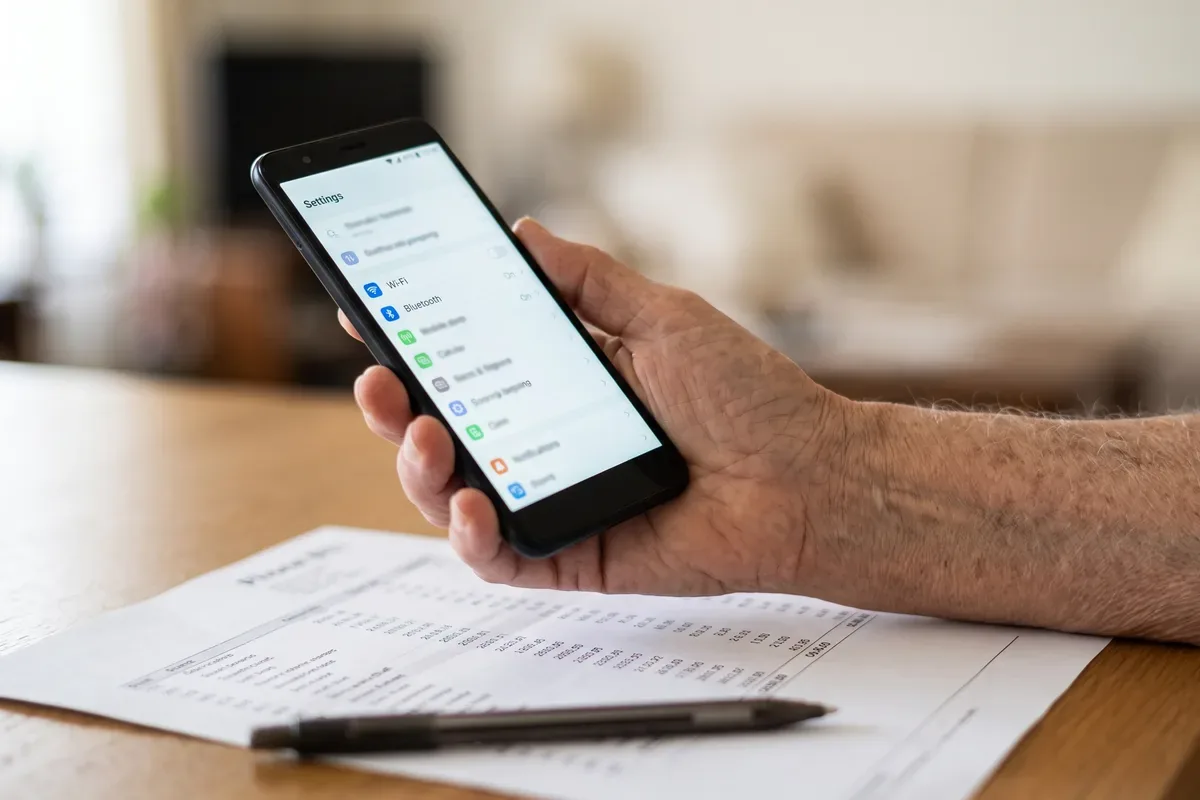
Advertised rates often assume autopay or a promotion that ends. For any plan, ask:
- What is the total monthly cost with taxes and fees for my number of lines?
- Does the price change after a set number of months?
- Is there an activation fee or a fee to switch?
- Am I signing a device payment plan that ties me to this carrier?
- What happens if I use more data than the plan includes?
Ask for the total in writing. If a seller will not give it, that tells you something.
Keeping your number and your phone
You can usually keep your number when you switch; the FCC calls this number portability. Keep your old service until the new one works.
You may also keep your phone. Ask your carrier whether it is unlocked, meaning it can work with other carriers. If you are weighing a new phone that is not tied to any carrier, you can look at unlocked phones on Amazon. If you are thinking about a tablet with its own data plan, our guide to tablets for seniors explains the Wi-Fi and cellular versions.
Extras you may be paying for without knowing
A neighbor on our street once asked me to go over her phone bill with her at the kitchen table. Tucked between the usual lines was a streaming bundle she had never opened, left over from an old promotion. Look at your own bill for these:
- Streaming bundles you never use.
- Device protection on an older phone that is paid off.
- Hotspot data you have never used.
- International features when you don't travel abroad.
- A line for an old device, such as a tablet or watch you put away.
Unauthorized charges on a phone bill are called cramming, and the FCC Consumer Guides explain how to dispute them. If the carrier will not fix it, you can file a complaint at the FCC Consumer Complaint Center.
If money is tight: the Lifeline program
Lifeline is a federal program that lowers the monthly cost of phone or internet service for people with limited income or who take part in certain assistance programs. It is based on income, not age. The FCC explains who qualifies on its Lifeline page. Only one Lifeline benefit is allowed per household.
Protect your account after you switch
Scam alert: calls or texts offering a "special senior phone plan" that ask for your account PIN, a code texted to you, or your Social Security number are a warning sign. Real carriers do not need that code from you over the phone. When in doubt, hang up and call back using the number on your bill.
Scammers sometimes try to move your number to a phone they control to receive your bank codes, a trick the FTC explains on its consumer advice site. Two steps help:
- Ask your carrier to add a PIN or passcode to your account, and port-out protection if they offer it.
- Keep that PIN somewhere safe. A password manager for seniors can store it with your other passwords.
Our guide to senior scams covers the other common phone scams.
Frequently Asked Questions
What is the cheapest cell phone plan for seniors?
There is no single cheapest plan for everyone. For light users who talk and text and use Wi-Fi at home, prepaid plans, pay-as-you-go plans and smaller carriers that run on a big network often cost less than a major carrier's unlimited plan. Check your real data use first, then compare the total monthly cost with taxes and fees.
Is T-Mobile or Verizon better for seniors?
The better one is the network that works best inside your home and in the places you go often. Coverage differs street by street. Check both carriers on the FCC National Broadband Map, ask neighbors which carrier works for them indoors, and compare each carrier's 55+ plan rules, such as how many lines are allowed and whether autopay is required.
How much is a Verizon 55+ unlimited plan for seniors?
We do not list prices, because carriers change them often and they vary with autopay, number of lines and where you live. Open Verizon's own plan page or call the number on your bill, and ask for the total monthly cost including taxes and fees. Also ask who qualifies and whether the plan is offered in your state.
What cell phone plan does AARP recommend for seniors?
AARP offers member discounts with some companies, and that list can change. A member discount is a perk, not a test result, so it does not mean the plan is right for you. Check AARP's current member benefits page, then compare that offer with other plans the same way: coverage at home, real data use and total monthly cost.
One thing to try this week
Find your last phone bill and open your phone's data usage screen. Circle the total you paid, taxes and fees included, and write your real monthly data use next to it. With those two numbers, you can compare the best cell phone plans for seniors calmly, one kind at a time. For help with the phone itself, go back to our guide to phones for seniors.
Sources
- FCC National Broadband Map: broadbandmap.fcc.gov
- FCC Consumer Guides: fcc.gov/consumers
- FCC Consumer Complaint Center: consumercomplaints.fcc.gov
- FCC Lifeline program: fcc.gov/lifeline-consumers
- FTC Consumer Advice: consumer.ftc.gov